Access and navigate the built-in admin panel for content and site management.
Admin Panel Overview
The docsblog-app template includes a full-featured admin panel for managing blog posts, documentation, social media data, translations, navigation, and more.
Accessing the Admin Panel
Development Mode
In development (NODE_ENV === "development"), the Admin link appears automatically in the top navigation bar. Simply run pnpm run dev and click the Admin link.
Production
The admin panel is for local development only. It is disabled in production by default (ENABLE_ADMIN=false). All content management should be done locally, then committed to Git and deployed via CI/CD.
Admin Home
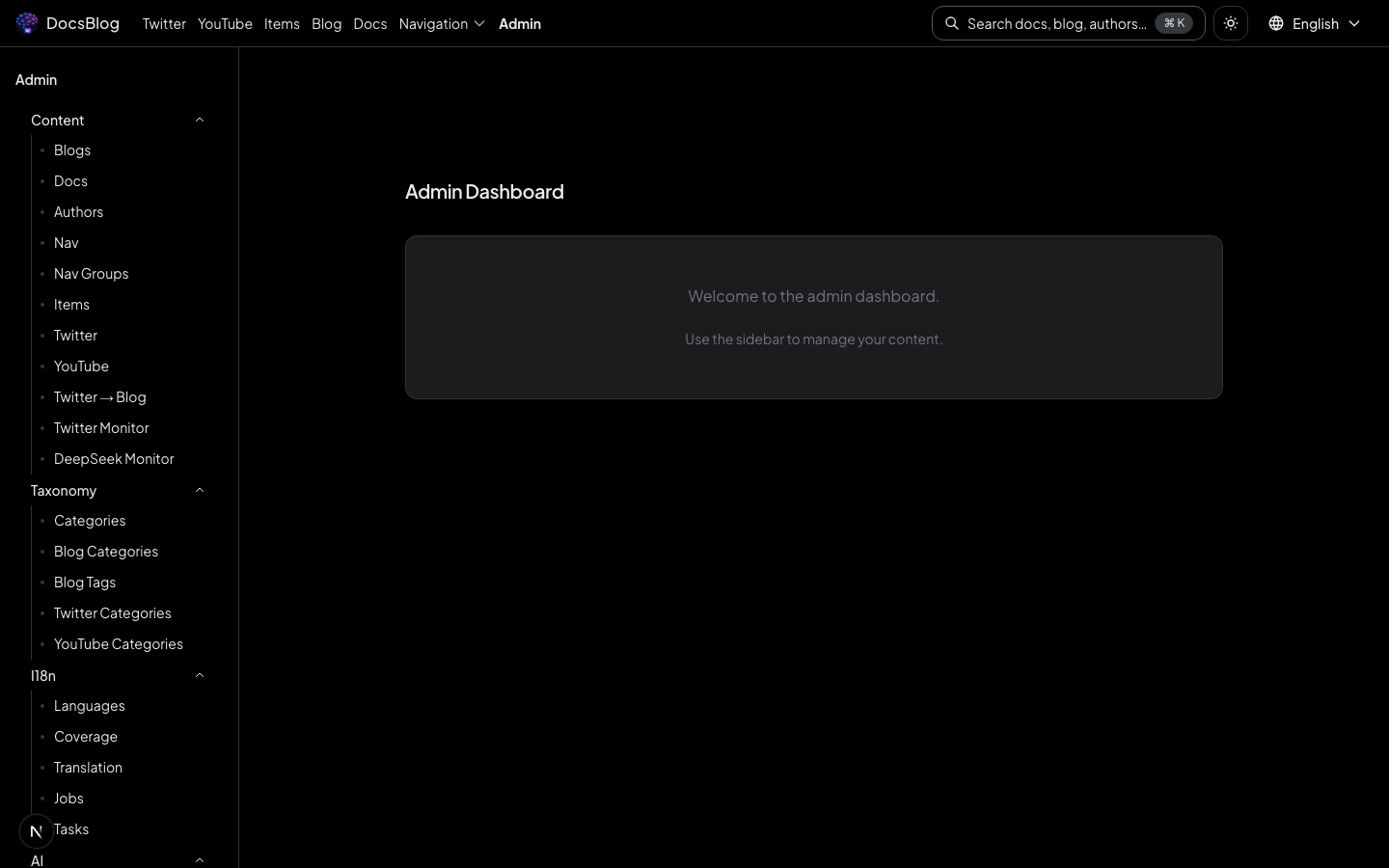
The admin home page (/admin) displays a project overview dashboard with quick links to all management modules.
Dashboard
The dashboard provides a high-level view of project data and metrics.
Available Modules
| Module | Path | Description |
|---|---|---|
| Blog Management | /admin/blogs | Create, edit, and manage blog posts |
| Doc Management | /admin/docs | Manage documentation pages |
| Blog Categories | /admin/blog-categories | Define and organize blog categories |
| Blog Tags | /admin/blog-tags | Manage blog post tags |
| Authors | /admin/authors | Manage author profiles |
| Twitter / X | /admin/twitter | Manage Twitter account listings |
| YouTube | /admin/youtube | Manage YouTube channel listings |
| Translation | /admin/translation | AI-powered translation workflow |
| Translation Jobs | /admin/translation/jobs | Monitor translation job queue |
| Translation Tasks | /admin/translation/tasks | View individual translation tasks |
| AI Prompts | /admin/ai-prompts | Customize AI translation and content prompts |
| Navigation | /admin/nav | Edit top navigation menus |
| Nav Groups | /admin/nav-groups | Manage navigation groups |
| Items | /admin/items | Manage tool and resource cards |
| Categories | /admin/categories | Global category management |
Note
The admin panel is for local development only. Edit content, manage translations, and configure navigation locally, then commit changes to Git and push to main for automatic deployment via GitHub Actions.