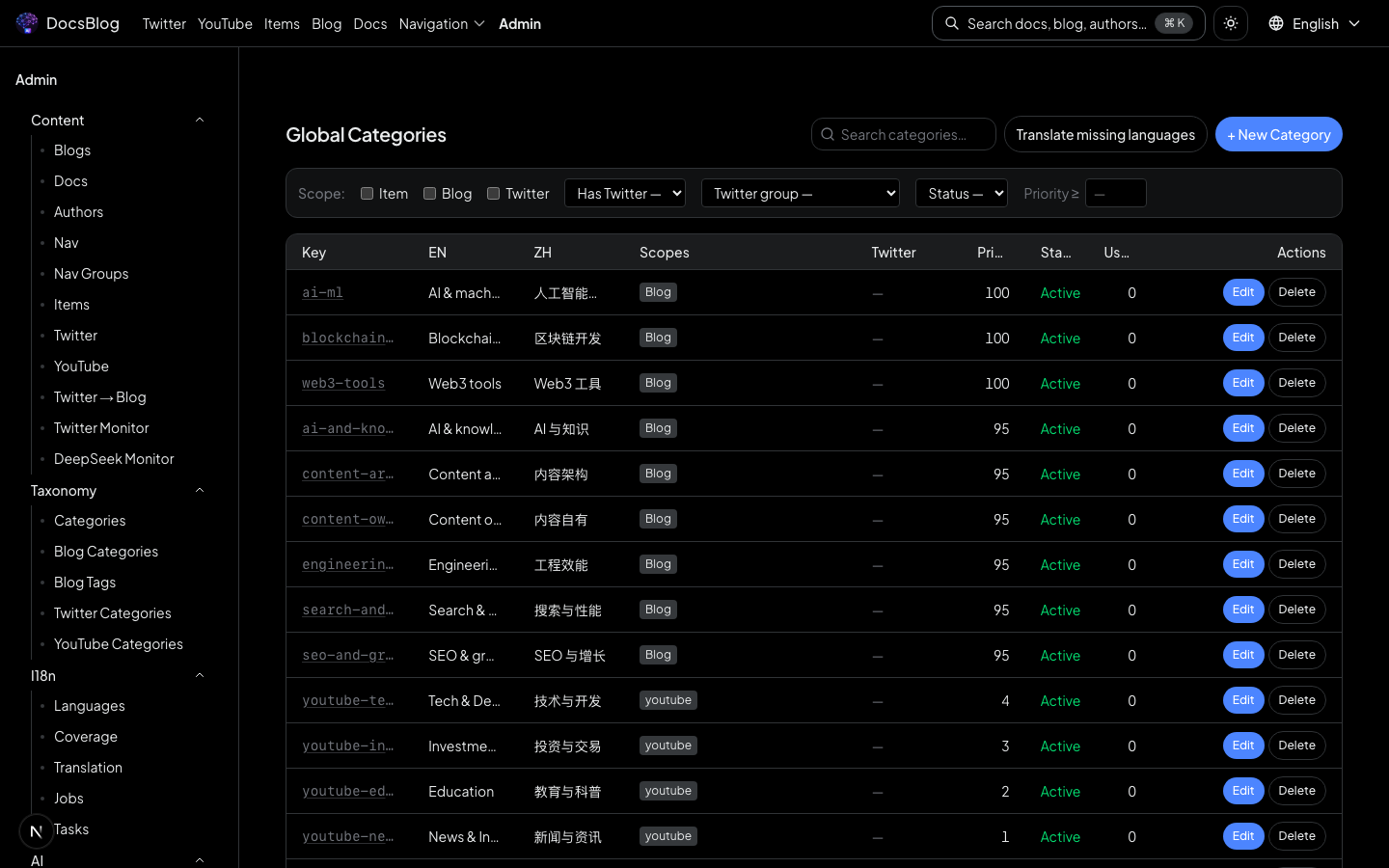
Manage navigation menus, groups, tool cards, and social media listings through the admin panel.
Navigation Management
Navigation Menus
Navigate to /admin/nav to edit the top navigation structure.
 This controls the main menu links displayed in the site header.
You can:
- Add, remove, or reorder navigation links
- Set link titles (with i18n support for English and Chinese)
- Configure link destinations (internal paths or external URLs)
Navigation Groups
Navigate to /admin/nav-groups to manage navigation groups.
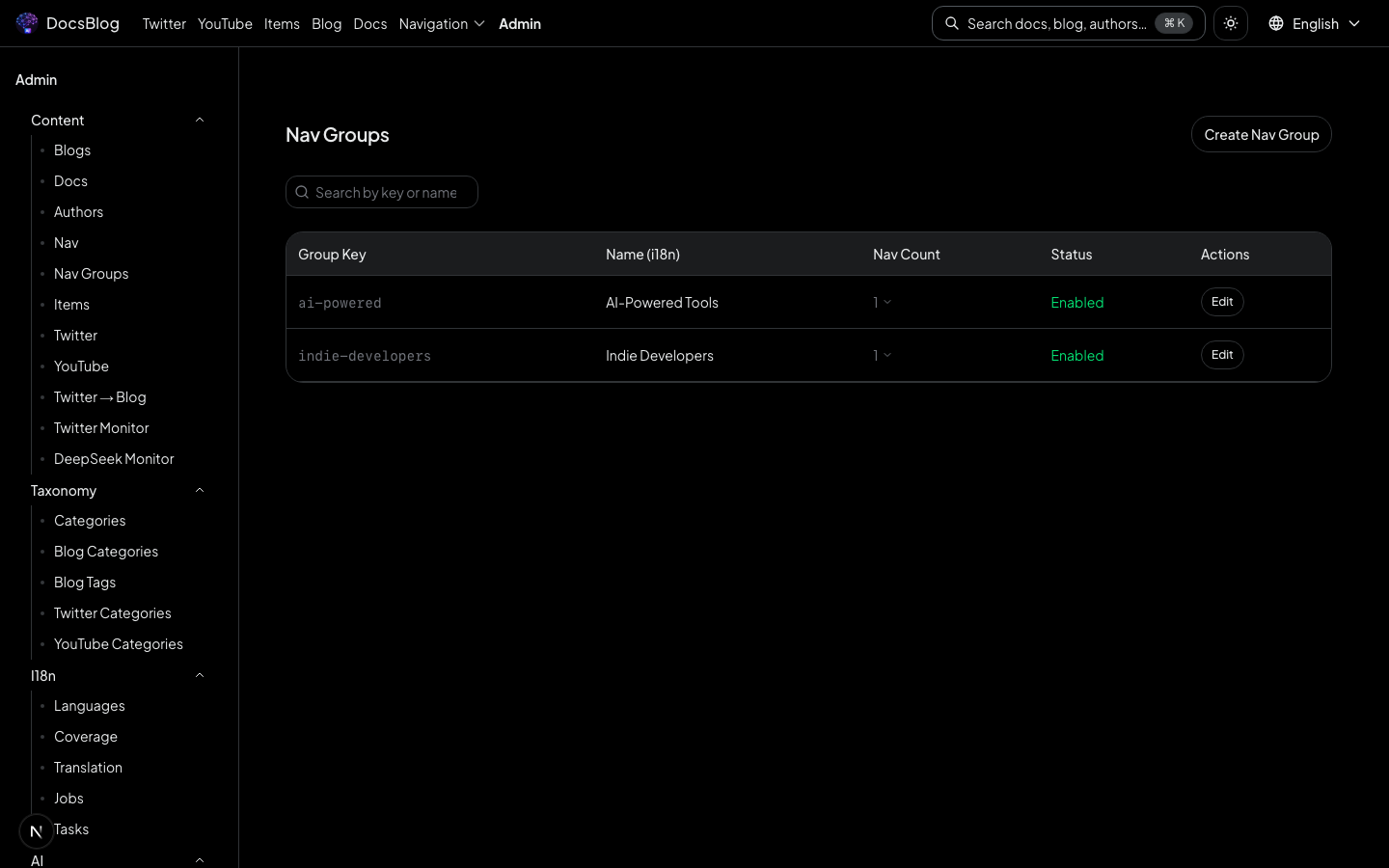 Groups organize related tools and resources into categorized collections that are displayed on dedicated pages (e.g.
 /nav-group/tools, /nav-group/resources).
Each group has:
- Name -- display name with i18n support
- Slug -- URL-friendly identifier
- Description -- brief description of the group
- Items -- collection of tool/resource cards belonging to this group
Items (Tool Cards)
Navigate to /admin/items to manage individual tool and resource cards.
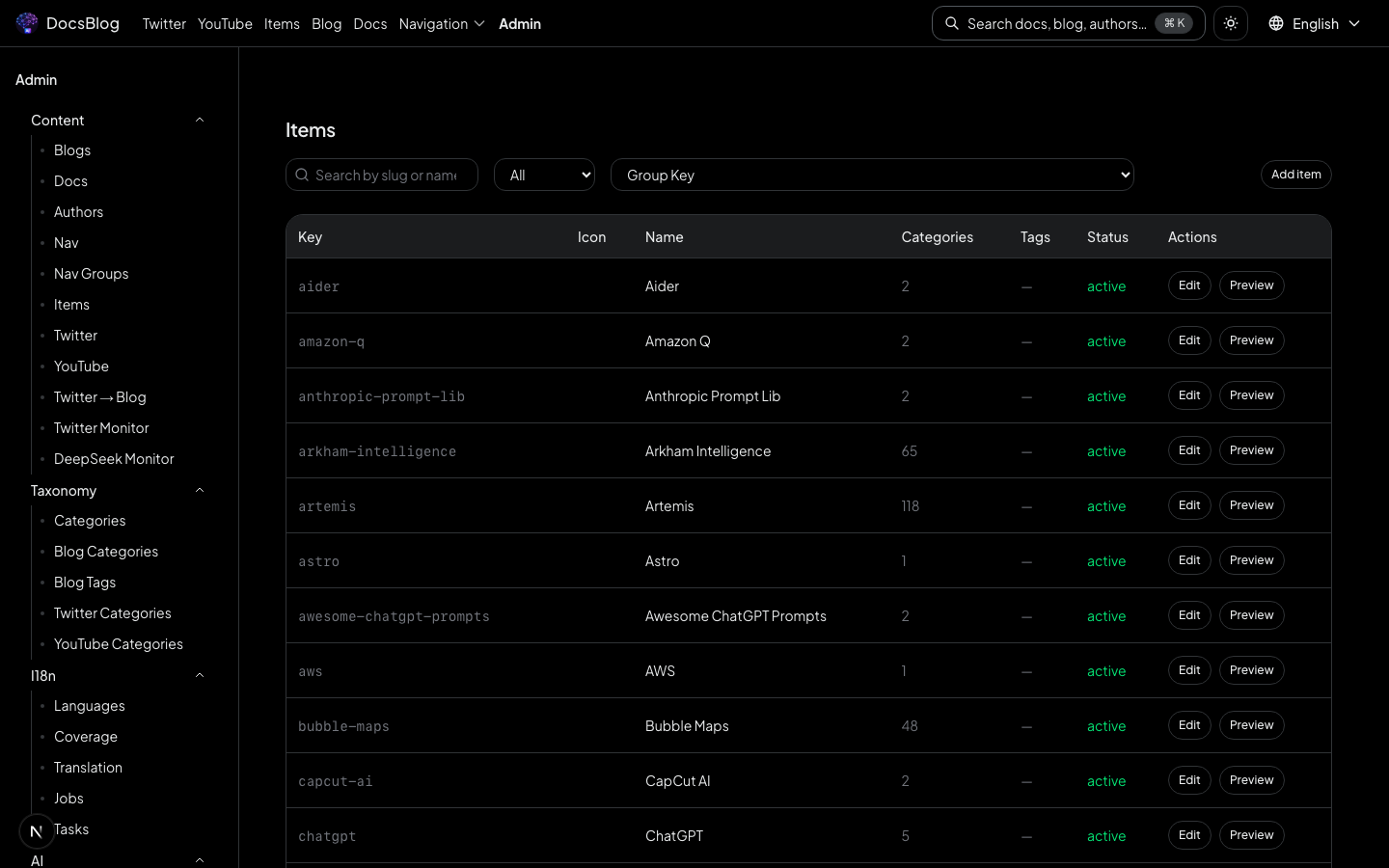 Each item represents a link to an external tool, service, or resource.
Item fields:
- Name -- display name
- URL -- link destination
- Icon -- icon image path or URL
- Description -- brief description
- Category -- category for filtering and grouping
- Navigation Group -- which group this item belongs to
Bulk Import
For importing large sets of navigation items, use the command-line import script:
node scripts/import-nav-data.mjs <input.json>The input JSON file should contain an array of item objects matching the item schema. This is useful for migrating data from another source or setting up the initial navigation structure.
Global Categories
Navigate to /admin/categories to manage the global category registry. Categories can be shared across blog, navigation, Twitter, and YouTube modules.