Use the AI-powered translation workflow to automatically translate content between English and Chinese.
Translation System
The docsblog-app includes an AI-powered translation system that uses DeepSeek to automatically translate blog posts and documentation between English and Chinese.
Setup
Set the DeepSeek API key in your environment:
# .env
DEEPSEEK_API_KEY=your-deepseek-api-key
The translation system is for local development only. Configure the key in your local .env file.
Translation Workflow
Step 1: View Content Needing Translation
Navigate to /admin/translation.
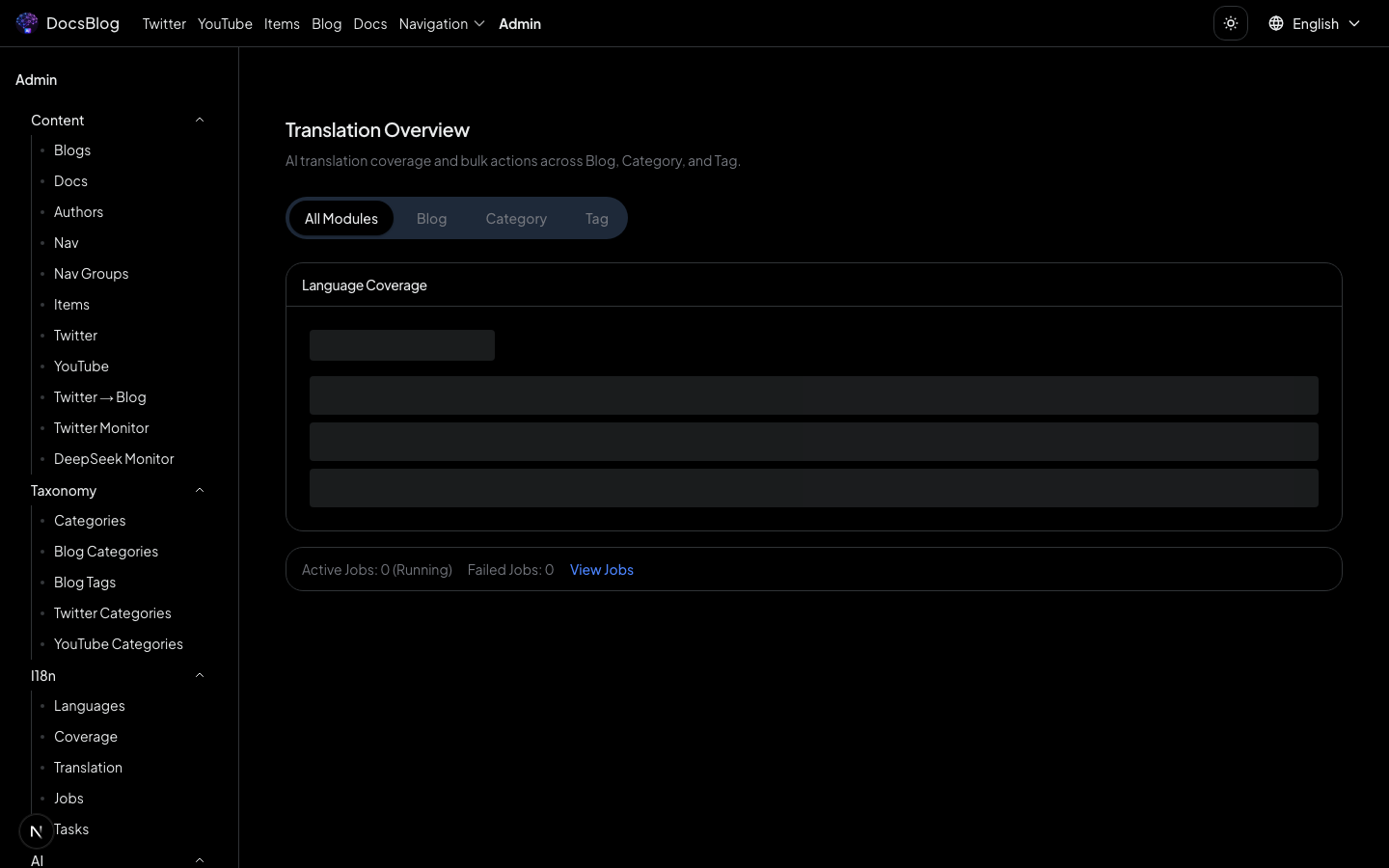
The dashboard shows all content that exists in one language but not the other, organized by content type (blog posts, documentation).
Step 2: Batch-Create Translation Tasks
Click "Translate all missing" to create translation tasks for all untranslated content. You can also select individual items to translate.
Step 3: Automatic Execution
Translation tasks are processed automatically. The frontend polls the server for progress updates, showing real-time status for each task.
Step 4: Review Results
Completed translations are written directly to the appropriate language directories:
- English originals translated to Chinese: saved in
content/blog/zh-hans/orcontent/docs/zh-hans/ - Chinese originals translated to English: saved in
content/blog/en/orcontent/docs/en/
Task Details
Navigate to /admin/translation/tasks to view individual translation tasks:
- View the source and translated content side by side
- Check translation quality
- Re-trigger translation for specific tasks
- View error details for failed tasks
AI Prompts
Navigate to /admin/ai-prompts to customize the prompts
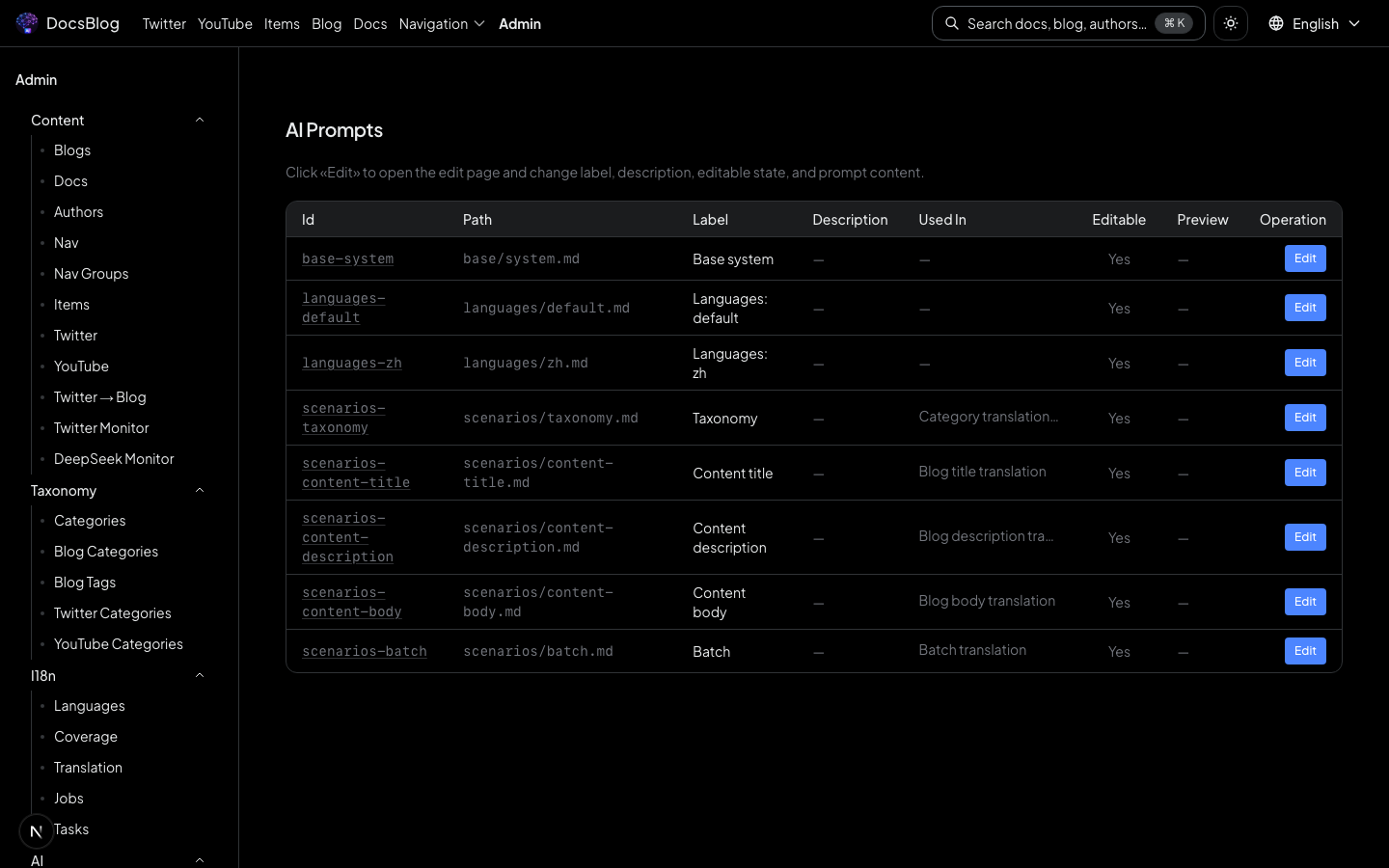
Customize the prompts used by the AI translation system:
- Translation prompts -- control how content is translated (tone, terminology, formatting rules)
- Content prompts -- customize prompts used for other AI-assisted content operations
Prompt customization allows you to fine-tune translation quality for your specific domain and writing style.