
Flexible navigation groups and tool card system
Navigation & Tools
Build a curated directory of tools, resources, and links — organized into groups with beautiful card layouts and powerful filtering.
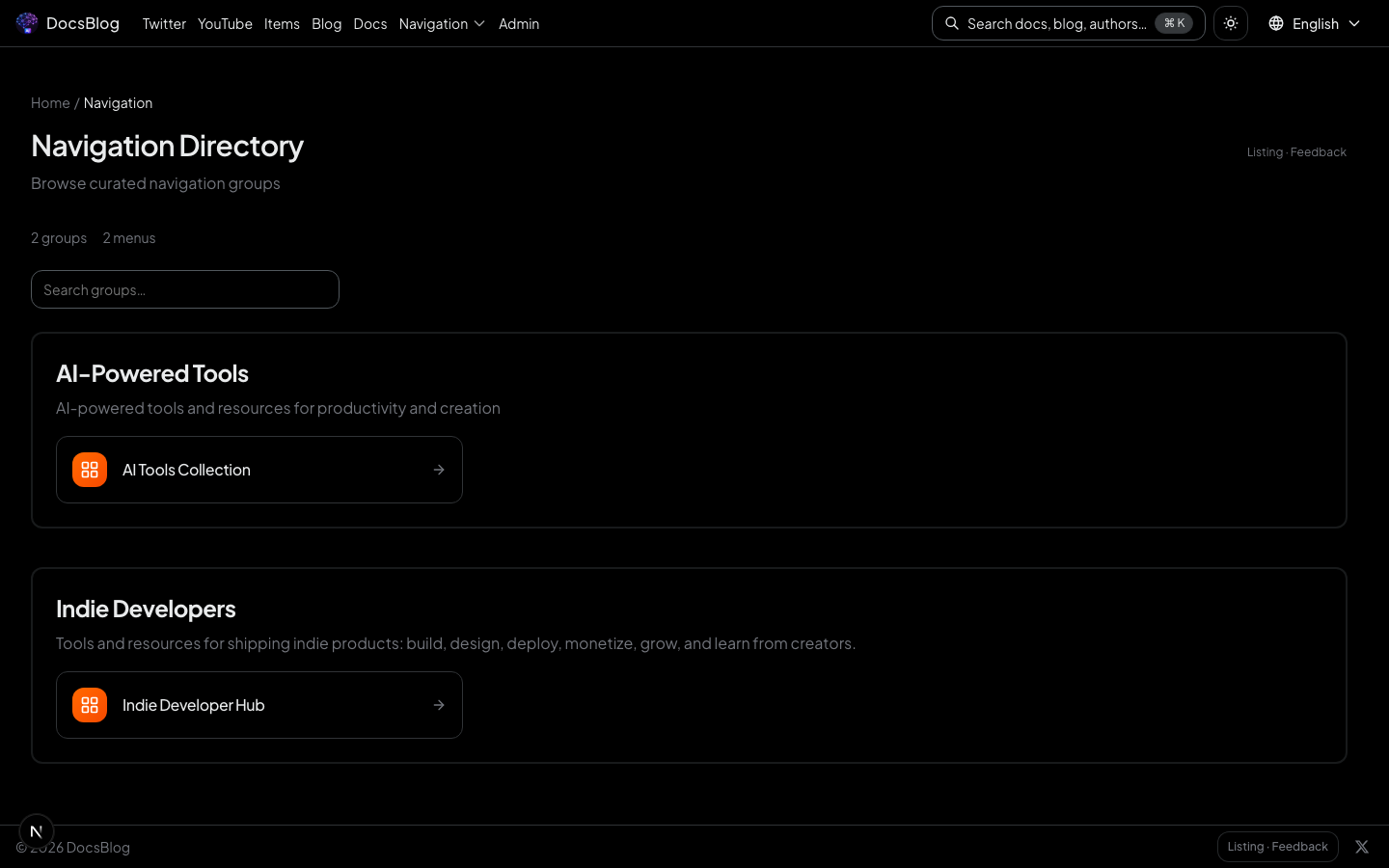
NavGroup Directory
The NavGroup page displays all navigation categories in a clean card grid. Each group links to its dedicated page with full item listings.
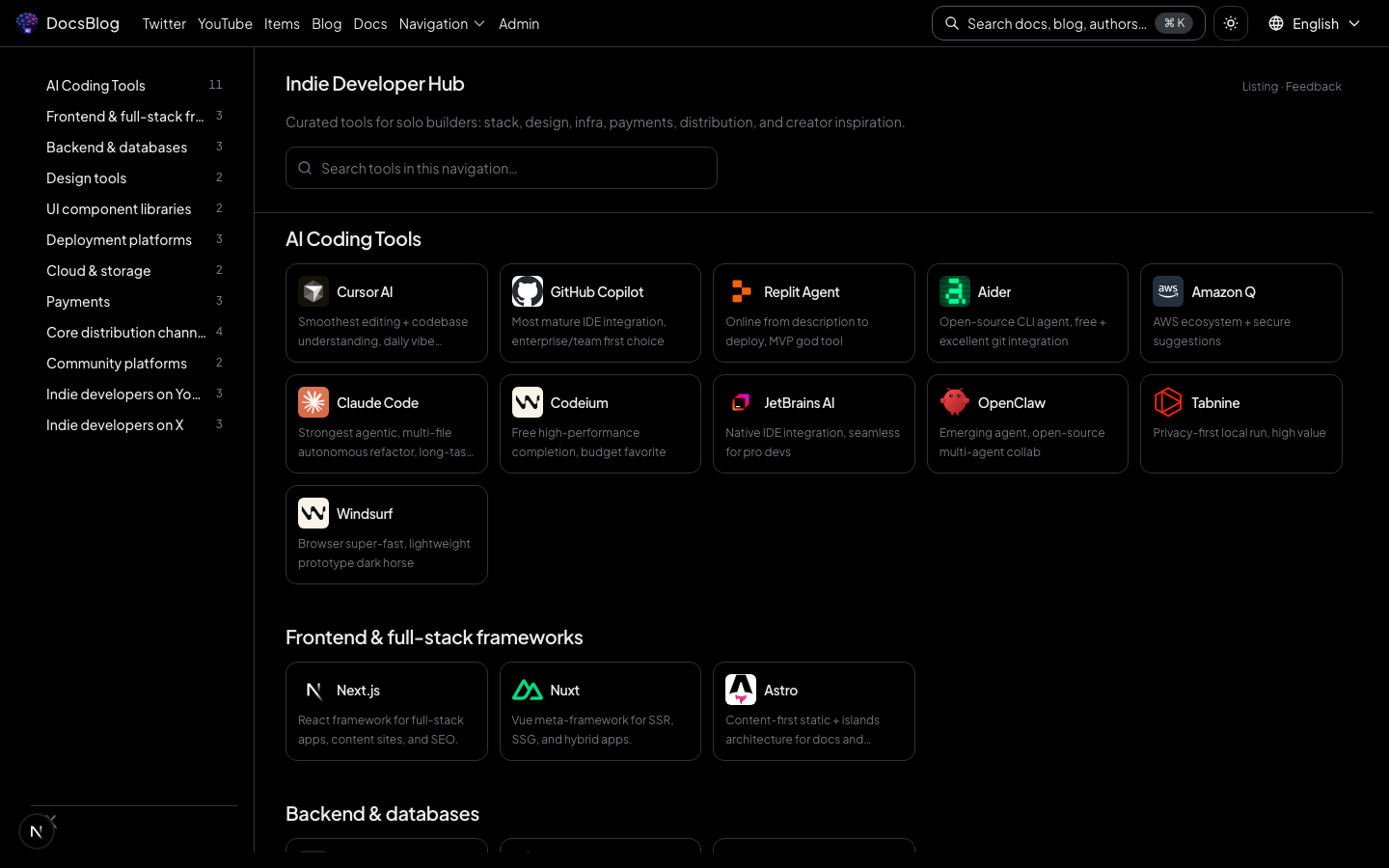
Group Detail Page
Click any group to see all tools and resources within it, with search and category filtering.
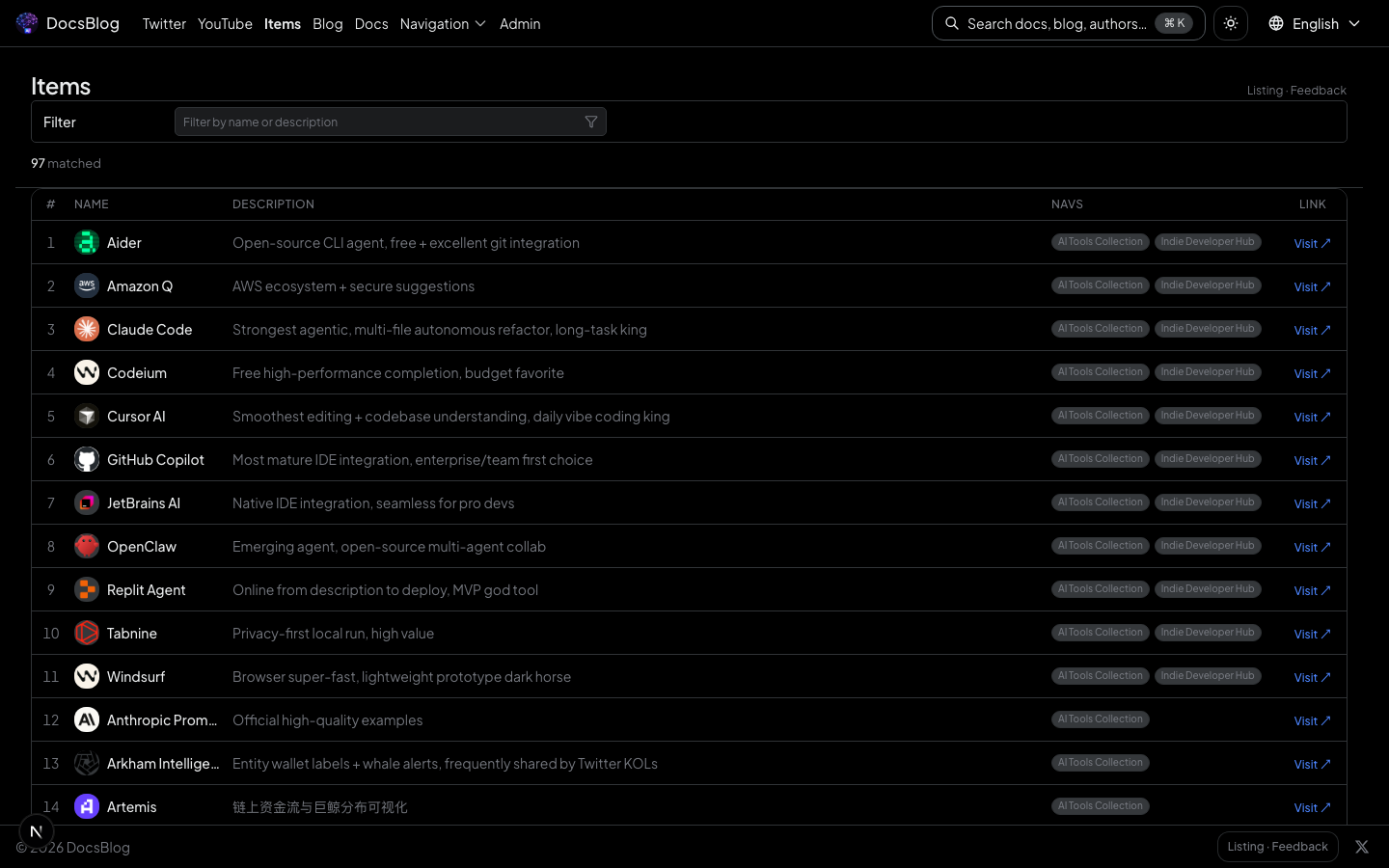
Items List
The items page renders tool and resource cards with virtualized scrolling for high performance. Filter by category, search by name — visitors find what they need instantly.
In development mode, every item card includes a quick-edit link that jumps directly to the admin editor — no need to search through the admin panel.
Mega Menu
The header navigation supports a data-driven mega menu dropdown. When NavGroups exist, a dropdown panel automatically appears with grouped links and descriptions.
No code changes needed — manage everything through the admin panel:
- Create NavGroups in
/admin/nav-groups - Add items to groups in
/admin/items - The mega menu updates automatically
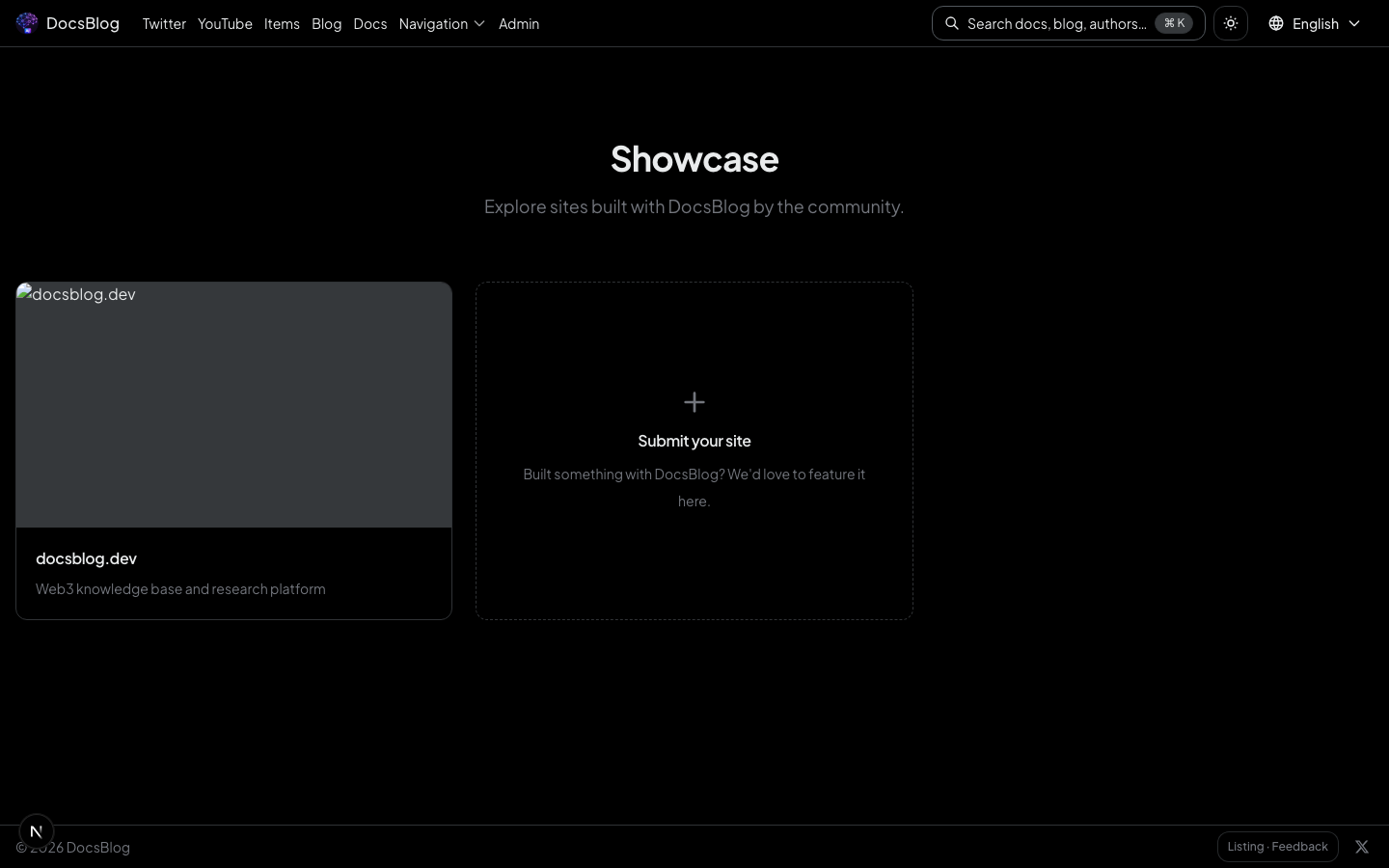
Showcase
A curated showcase page highlights featured projects and use cases.
Data-Driven
All navigation data lives in content/items/ and content/nav/ as JSON files. You can:
- Manage via the admin panel UI
- Edit JSON files directly
- Bulk import with
node scripts/import-nav-data.mjs <input.json>